

Taking Photos at Hanuman World: Plan Your Camera Moments
A visit to Hanuman World gives you two quite different kinds of photos: the forest and walkways around you, and the activity you are taking part in. Plan for both before you arrive. Keep your phone accessible when it is appropriate to use it, but be ready to put it away for the briefing and whenever your guide needs your attention.
Decide what you want to photograph
If you mainly want a picture together, you do not need to make every activity into a filming session. The entrance has distinctive Hanuman World signage and sculpted details. Take a few arrival photos once you know where you need to be and how much time you have before check-in.
For forest views, look at the Skywalk experience when choosing your activities. Its elevated route provides a different perspective from the ground. Check your ticket's inclusions before adding it to your plan; a zipline booking does not by itself tell you which other experiences are included.

On walkways, leave room for other visitors
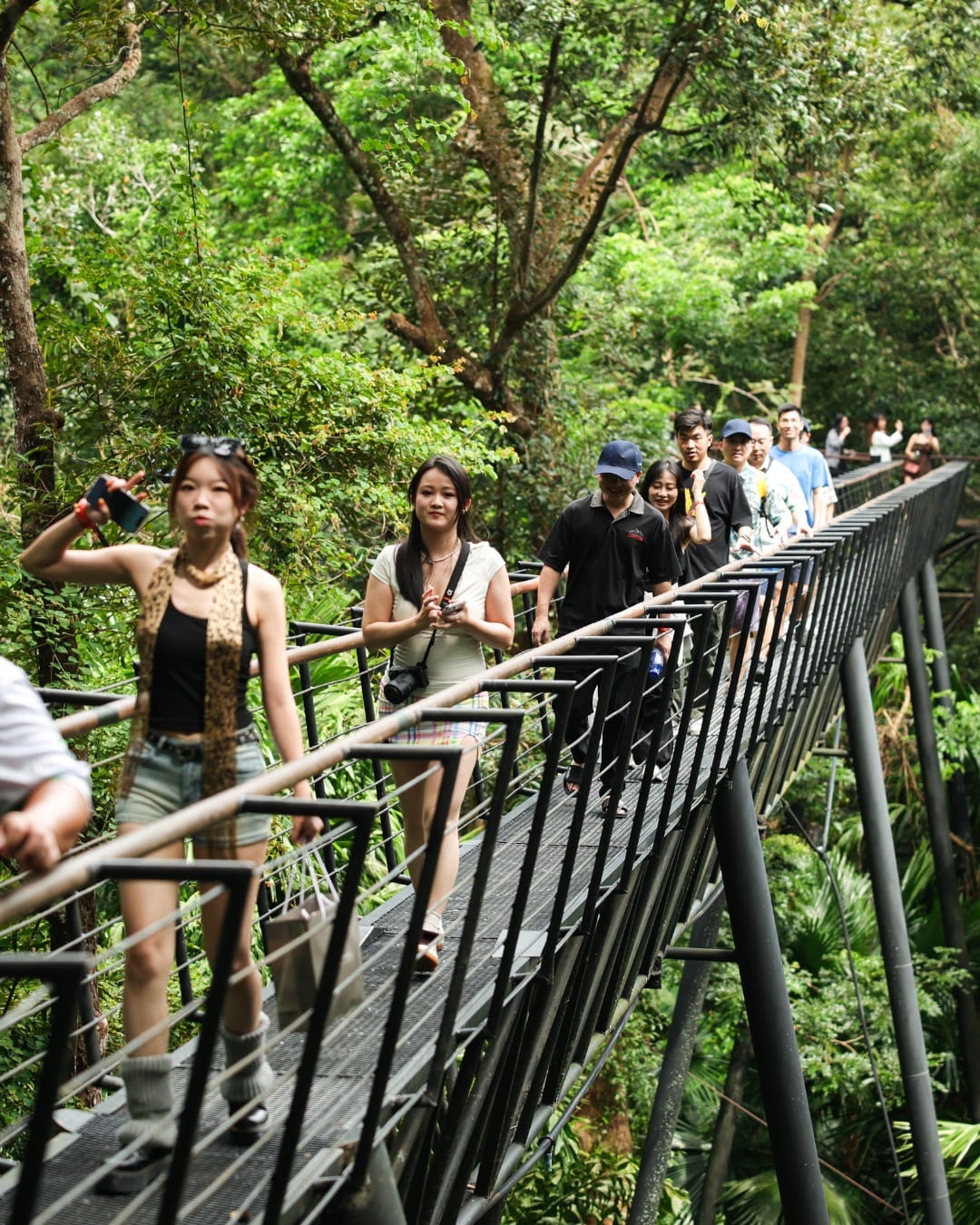
The supplied park photos show railed walkways with visitors moving through the trees. A wide view can include the route, the person and the forest without needing an elaborate pose. Before stopping, look at who is coming behind you and whether there is a suitable place to pause.
Stay within the visitor area and follow staff directions. Do not step onto a railing, lean out for a picture or block a narrow section for repeated takes. If you cannot take the photo while leaving the route clear, move on and try another permitted spot.
Try one wider frame to show the trees, followed by a closer portrait from the same safe position. This gives you variety without stopping the group at every turn. Ask the people in your party before sharing close-up pictures of them.
Check how you will secure your phone
The Hanuman World FAQ says cameras and phones must be secured with a strap. Bring your intended setup and ask the guide whether it is suitable for the activity. Having a strap does not mean you can use a device at every point along the course.
Sort out camera settings before the briefing starts. Listen to the instructions, then ask when photography is permitted and where the device should go when it is not in use. Do not adjust a harness, helmet or activity equipment to make room for a camera.
If filming would distract you from following instructions, leave that shot out. A clear photo before or after the activity is more useful than footage you cannot take comfortably while doing what the guide asks.
Ask about the park's photo and video options
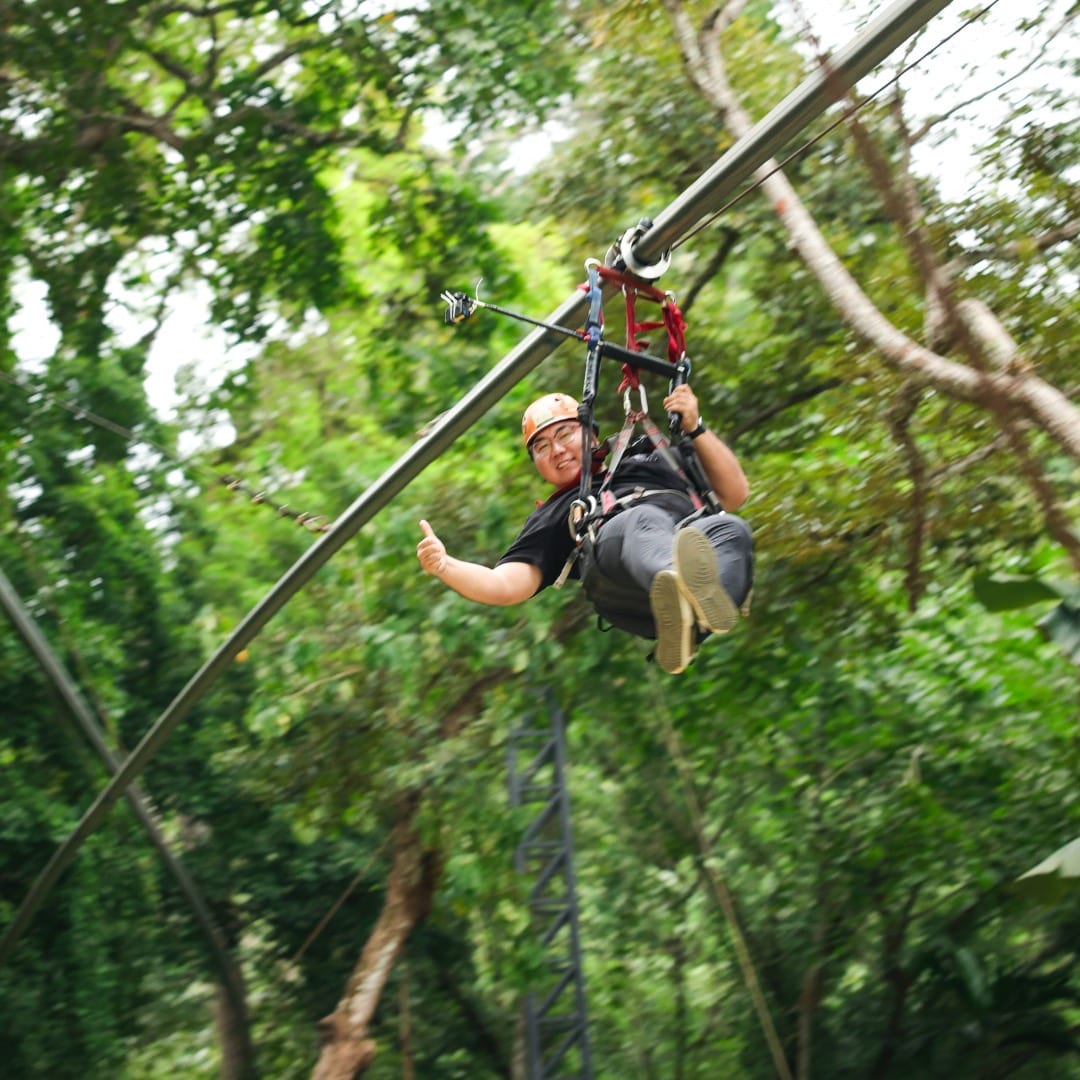
The website lists professional photo and video packages captured by staff at points along the course. Ask what is currently available for your chosen activity, what it costs and how the files are delivered. Do not assume that buying an activity ticket includes a photography package.
Useful questions include whether the service covers everyone in your party, which activities it covers, when you can see the results and how long any download link remains available. Those details need to come from the team; they can affect whether you want to carry your own camera during the activity.
A simple photo plan for the day
- Before leaving your accommodation, charge your phone and make room for photos.
- At arrival, check in on time and take entrance pictures only if time allows.
- During the briefing, put the camera away and ask about device use afterwards.
- On permitted walking sections, pause considerately and keep the route clear.
- Before leaving, check any photo purchase or delivery instructions with staff.
For questions about a particular camera setup or the current photography service, contact Hanuman World before you book. Use the activity safety information alongside the requirements for your chosen package. Your guide's instructions on the day should decide when the camera comes out.